
Plasma One Setup Guide: Invite Code Z3SL2R
Official conditions checked on 26 September 2026
Start with the official invite, then check the account and card terms offered in your region. This short guide covers setup; the full article explains membership costs, cashback bands and token-lock scenarios.
From invitation to first card payment
- 1
Open the official invitation
Use the link below and confirm Z3SL2R appears in the official Plasma setup flow. If the app asks for an invite code, enter Z3SL2R.
- 2
Check your eligibility
Complete the identity and residency checks requested by Plasma. Visa acceptance in a country does not mean residents can open an account there.
- 3
Choose a membership deliberately
Review the price displayed in the app. Lite conditions vary by region; Core has a cash or XPL-lock route, while Platinum requires a token commitment.
- 4
Fund the supported asset and network
Use the exact deposit instructions in the app. Review fees and minimums, and start with a small transfer when trying an unfamiliar route.
- 5
Activate the card and review rewards
Check the card terms before making a purchase. Only eligible settled spending counts; invite bonuses, XPL cashback and USD subscription rebates have different rules.
Which membership fits your spending?
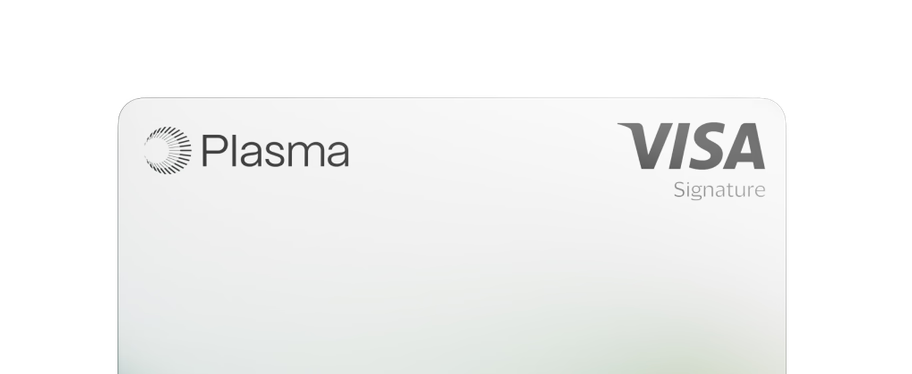
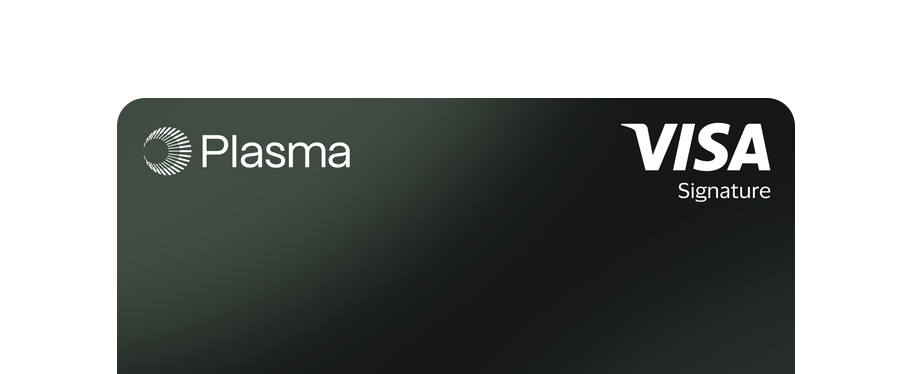
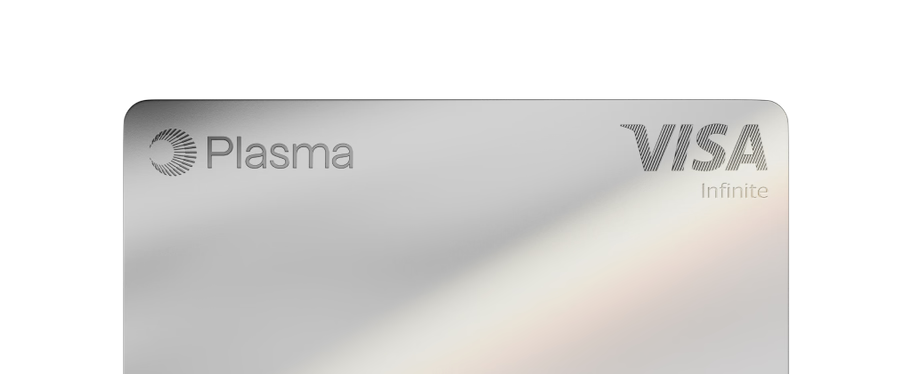
| Feature | Lite | Core | Platinum |
|---|---|---|---|
| Membership route | Regional pricing; no XPL lock required | $199/year or 20,000 XPL locked for 12 months | Currently advertised introductory 100,000 XPL lock for 12 months |
| Initial base cashback band | 2% on first $500/month | 3% on first $1,000/month | 4% on first $3,000/month |
| AI category headline | No enhanced tier rate | Up to 5% | Up to 10% |
| AI subscription rebate | Not included | ChatGPT Go: up to $8/month | ChatGPT Plus and Claude Pro: up to $20/month each |
| Airline cashback | No enhanced tier rate | No enhanced tier rate | 10%, up to $300 per half-year |
| Included virtual cards | First virtual card; regional activation conditions | Up to 2 | Up to 3 |
| Physical card | Not available | Help page says coming soon | One included; delivery options and charges apply |
Base rates decline in bands; the headline does not apply to every dollar. Perks require eligible transactions and account status. [2][3][4][5][9][11]
Read the full Plasma One review and calculators →Questions before you sign up
What is the Plasma invite code on CryptoExchange.Discount?
Our invite code is Z3SL2R. Use the official link https://plasma.org/download/Z3SL2R and confirm that the code is accepted during setup. The official landing page retained the code when checked; we did not complete account registration or redeem a reward.
Does Z3SL2R provide a percentage discount?
No universal percentage discount is verified. It is an invite code. Cashback comes from the card tier and eligible purchases; fixed invite bonuses and targeted campaigns have separate requirements.
Does Platinum earn 4% on all spending?
No. The current base table gives 4% on the first $3,000 per month, 3% on the next $7,000, 2% on the next $5,000 and 1% above that. Category and campaign rates have separate rules and generally replace the base reward.
Can I unlock membership XPL early?
The current membership lock lasts 12 months and does not allow early withdrawal. Upgrades may affect the lock period. The amount of XPL can remain fixed while its dollar value rises or falls.